
- How to Fix the ‘You’ll need a new app to open this ms-gaming overlay’ Error on Windows 10?
- Error 'Application is already running'
- An error occurred during platform initialization: Exception has been thrown by the target of an invocation
- An error occurred during platform initialization: Fail to load DLL signatures
- Trendlines are moving on tick charts. How to resolve it?
- Incorrect view of icons inside the application (for Mac via Parallels)
- Сan not find a stock ticker with the dxfeed data provider (F, SO, META etc)
- How to replace the main Toolbar to another screen (monitor)?
How to Fix the ‘You’ll need a new app to open this ms-gaming overlay’ Error on Windows 10?
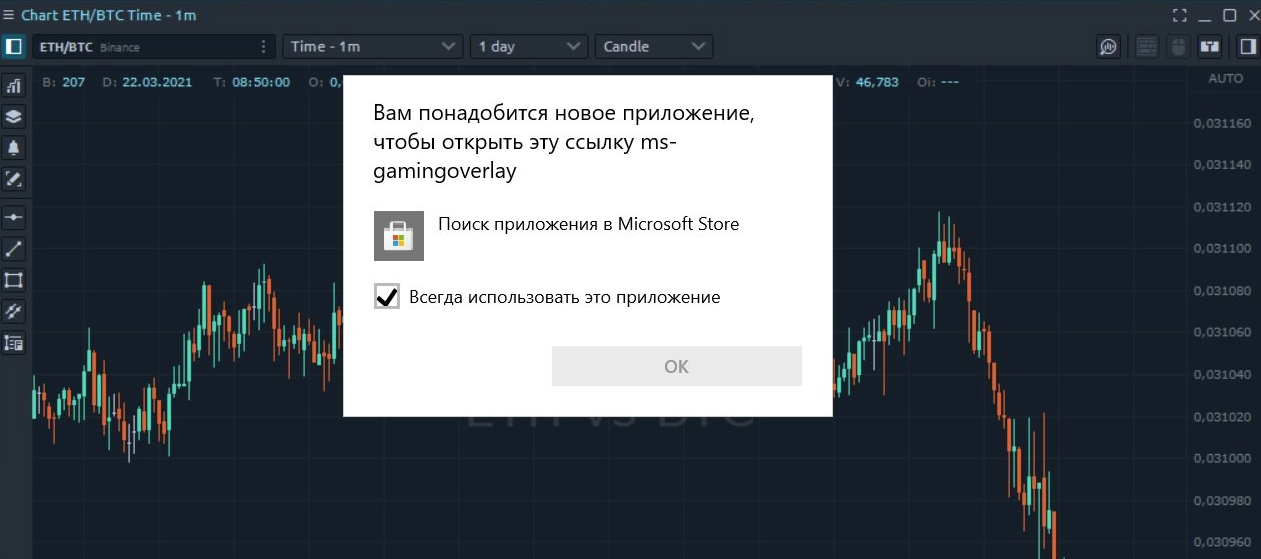
The easiest method is starting troubleshooting with simply disabling Game Bar. This could be helpful to remove the key combination and use it for other purposes. Now, you can take these steps:
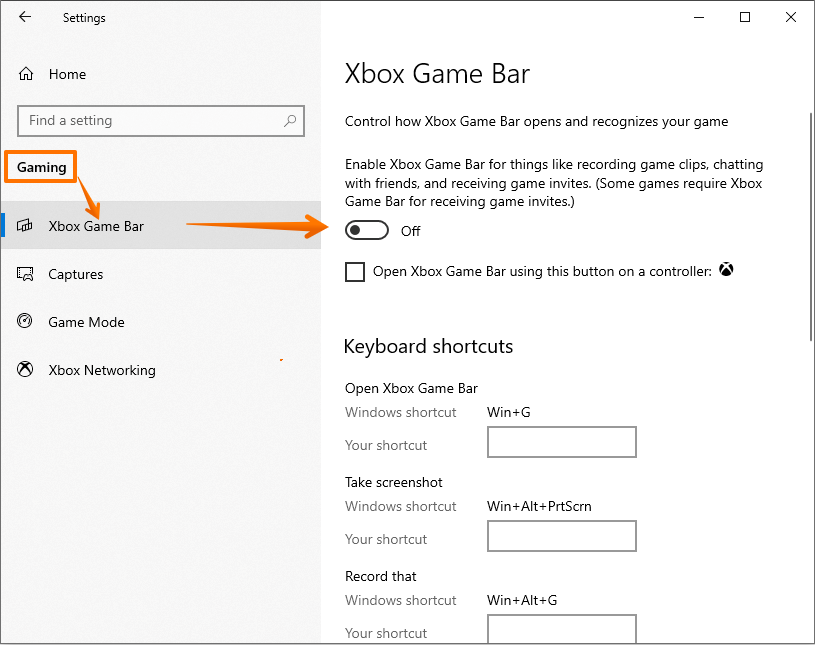
Press the Win + I combination key to open Windows Settings
Go to Gaming > Gaming bar.
Switch the toggle of Xbox Game Bar for things like recording game clips, screenshots, and broadcast using Game bar to Off. Next, press Win + G to see if the error is solved.
More details you can find here https://www.minitool.com/news/ms-gaming-overlay-popup.html
Error 'Application is already running'
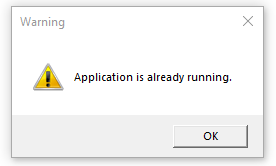
This message is displayed if you try running multiple Quantowers in parallel on the same computer or you have closed Quantower a few seconds ago and it did not finish closing yet. In 20 seconds or sooner Quantower can be started again.
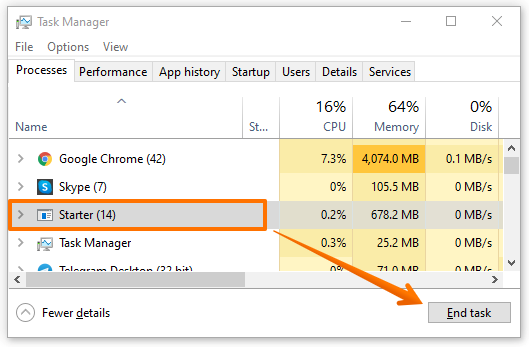
If even after a few minutes the platform fails to start, go to the Task Manager. Press Ctrl+Shift+Esc to open the Task Manager with a keyboard shortcut or right-click the Windows taskbar and select “Task Manager.” Find the process with the name "Starter", select it and click on End task.
An error occurred during platform initialization: Exception has been thrown by the target of an invocation
This error occurs due to the removal of the file by the Avast antivirus or AVG antivirus, which is necessary for the correct work of the platform.

Our developers informed Avast and AVG companies that the file CefSharp.BrowserSubprocess.exe is a part of the CefSharp library — HTML5, JavaScript and PDF supported Web browser based on Chromium Embedded Framework. It allows using web browsing services in applications to create the user interface. We use this library in our platform as well. More information about it you can read here https://cefsharp.github.io
We don't know a reason why antivirus sometimes recognizes this file as suspicious, but if you search in google, you can see that there are already many reports from users about the same problem: https://www.google.com/search?q=cefsharp.browsersubprocess.exe+antivirus In general case antivirus developers recommend reporting a problem as false positive.
To be 100% sure, that this file is not dangerous, you can check it manually using different web services like https://www.virustotal.com They will display your results received from different antiviruses.
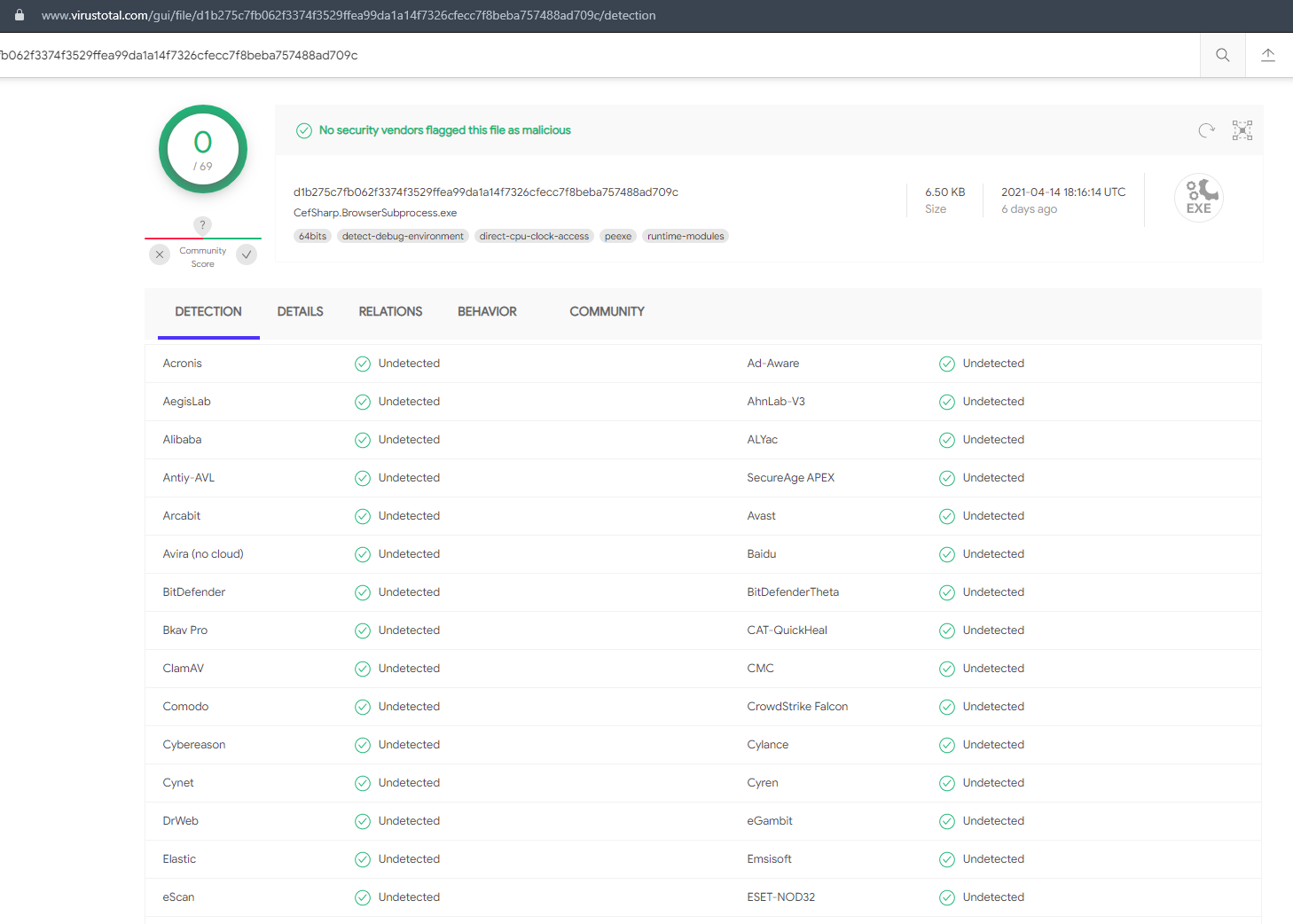
As a solution, we recommend you remove Avast or AVG antiviruses (completely) and reinstall the platform.
Some times Kaspersky delete our files.

An error occurred during platform initialization: Fail to load dll signatures
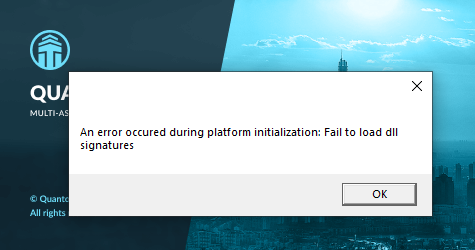
This error can occur for several reasons:
There is no internet connection or a weak connection. Please check that the connection is stable with your browser.
It appears that you are currently utilizing an outdated version of our platform that is no longer supported. We strongly advise that you download the newest version from our official website and transfer all of your settings from the old version to the updated one.
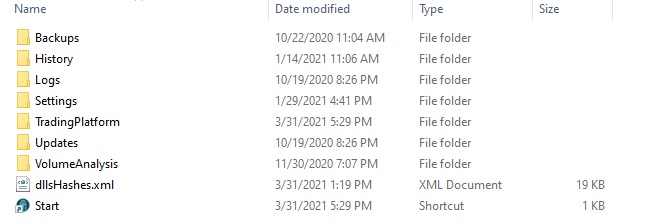
The platform has not fully installed the files to work correctly. Please reinstall the platform.
Trendlines are moving on tick charts. How to resolve it?
Incorrect view of icons inside the application (for Mac via Parallels)
Sometimes users may encounter the problem of incorrect display of icons of various functions inside the application. For example, the picture below is such a situation.
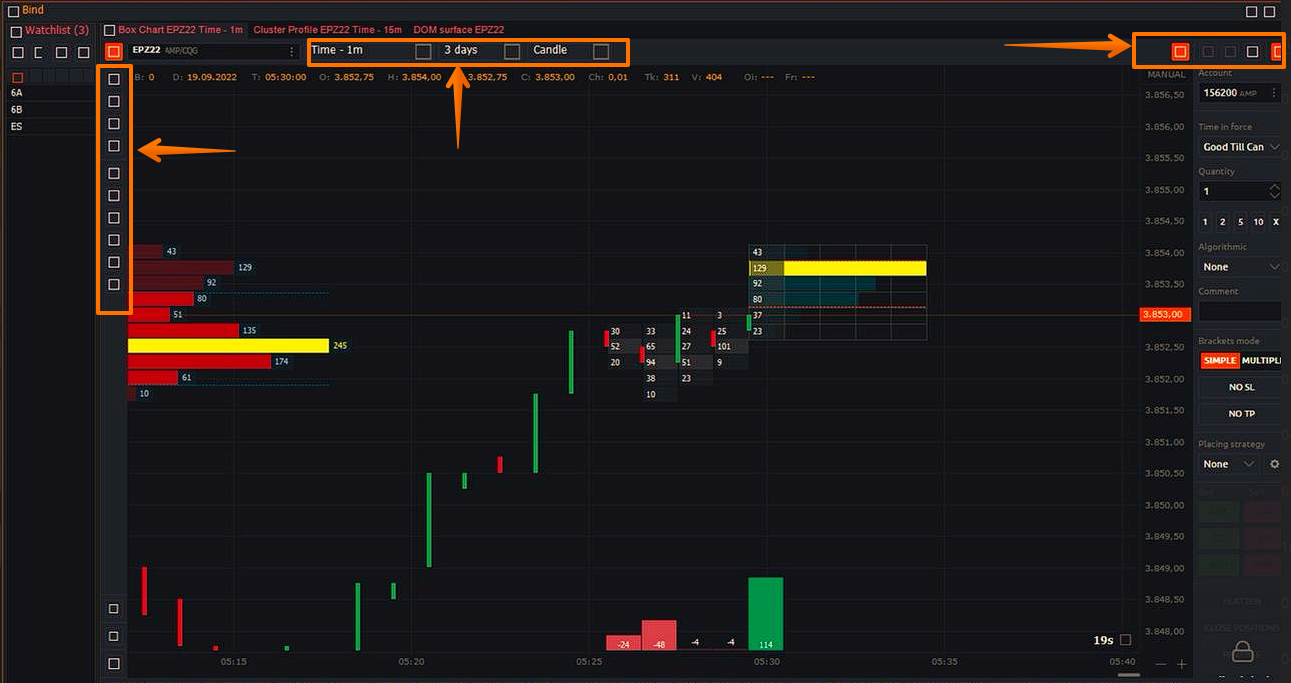
This situation occurs when using the Parallels emulator for Mac. To solve this problem, Parallel itself offers a solution at the link below https://kb.parallels.com/112983
Isolate Windows from Mac to exclude Mac OS X influence. (Virtual Machine > Configure… > Options > Security > check on Isolate Mac from Windows)
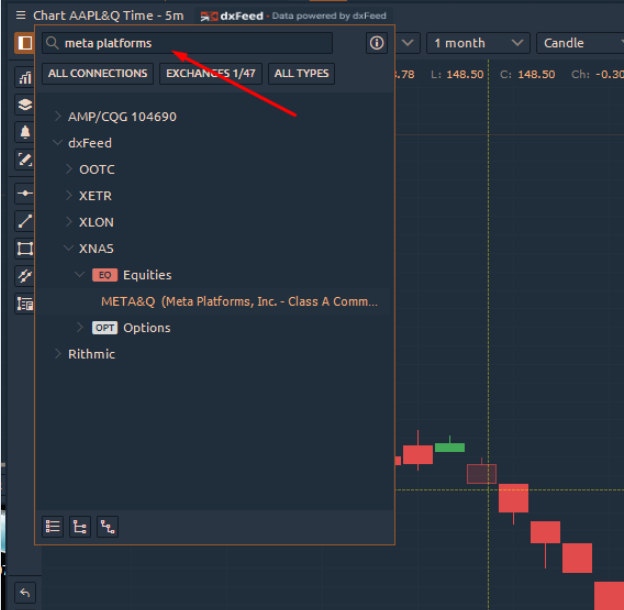
Сan not find a stock ticker with the dxfeed data provider (F, SO, META etc)
Sometimes, users face the problem of finding a company's stock by its exact ticker on a dxfeed data provider. For example, users can not find F (Ford company), META (ex-Facebook) etc.
The problem is related to the fact that the search for stocks is performed by the description (name) of the company, especially for tickers with a small number of symbols (1-2 letters).
How to replace the main Toolbar to another screen (monitor)?

There are two ways to move the main toolbar to another monitor:
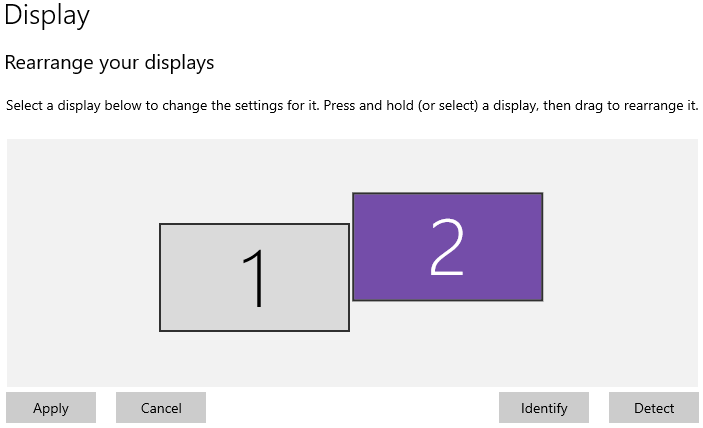
To move the main toolbar to another monitor, click and hold the mouse cursor on it and drag it to the desired monitor. Make sure both monitors are aligned at the same level, which you can verify in your monitor settings.
- click on the main toolbar and use the key combination Win + Shift + Arrow (left / right).