
This panel is designed to track trader's trading, analyze and collect statistics
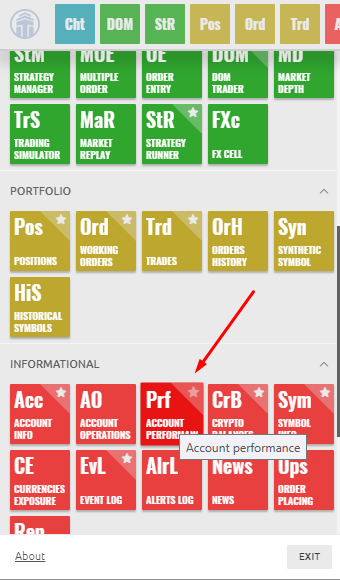
How to open the Account perfomance panel?
Open the main menu by clicking the logo and in the Trading section click on the OE icon.
Account perfomance - general view.
Trades section
In this section all your deals are collected from the beginning to the end. This tab completely copies the panel of executed orders. About detailed settings and parameters of this panel you can read here.

Views: 1