
System requirements and 3 simple steps to successfully install the platform
- System Requirements
- Installation steps
- Uninstalling
After downloading the Quantower application from the official website, you can begin the installation process. It's important to understand the differences between the Quantower "installation process" and the default Windows® install process that most users are familiar with.
What does it mean? The program doesn't violate the integrity of the OS, and in case of removal, it will not leave any prints of its presence on your computer. Quantower’s "installer" literally extracts files to the user-specified folder.
With this approach, you can save the Quantower on a removable drive and use it as a portable application on any other computer. This is especially useful when you need to transfer Quantower along with all its settings to a different PC. Simply copy the Quantower folder and paste it where you want it.
PC requirements
We recommend using Windows 10 or 11.
Installation steps
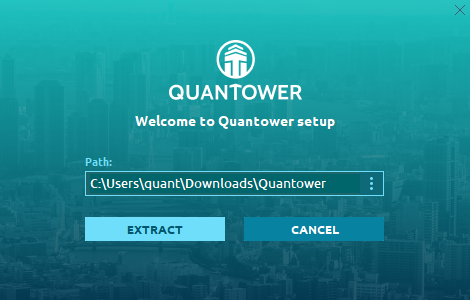
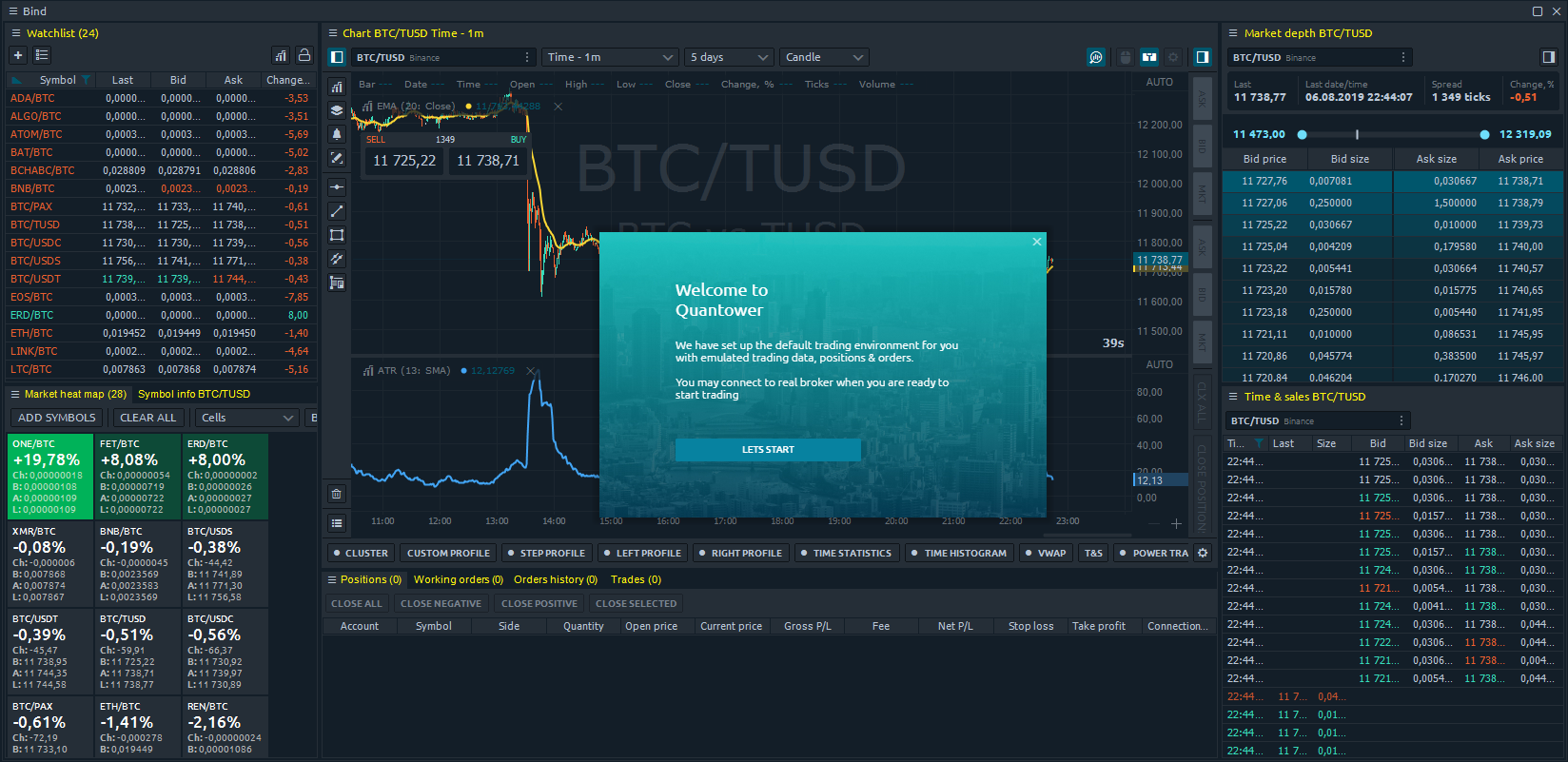
Uninstalling
If you need to uninstall the application, just delete the folder with all application files. You may also keep your personal settings (connection information & workspaces) by copying the Settings folder (can be found right in Quantower folder) before application delete. These Settings folder can be pasted to any other Quantower folder later.
You may also refer to Backup & Restore Manager to backup your settings in one file and restore them later.