
New powerful panel for creating a list of predefined orders, which can be sent either individually or as a whole list
Multiple Order Entry allows creating a predefined list of orders for different symbols, accounts, connections, combine them into groups, modify their parameters, and most importantly, place them to the market.
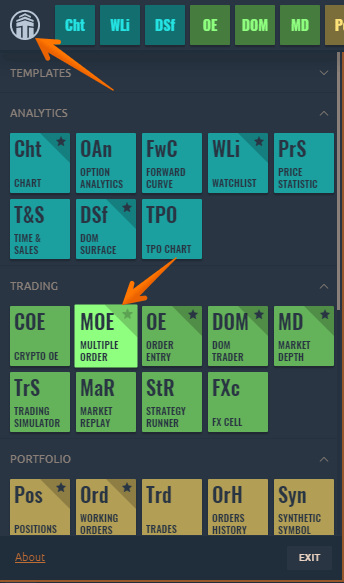
To open a new Multiple Order Entry panel, go to the Main menu (Logo icon) and select Multiple Order Entry (MOE) in the Trading section.
Views: 1